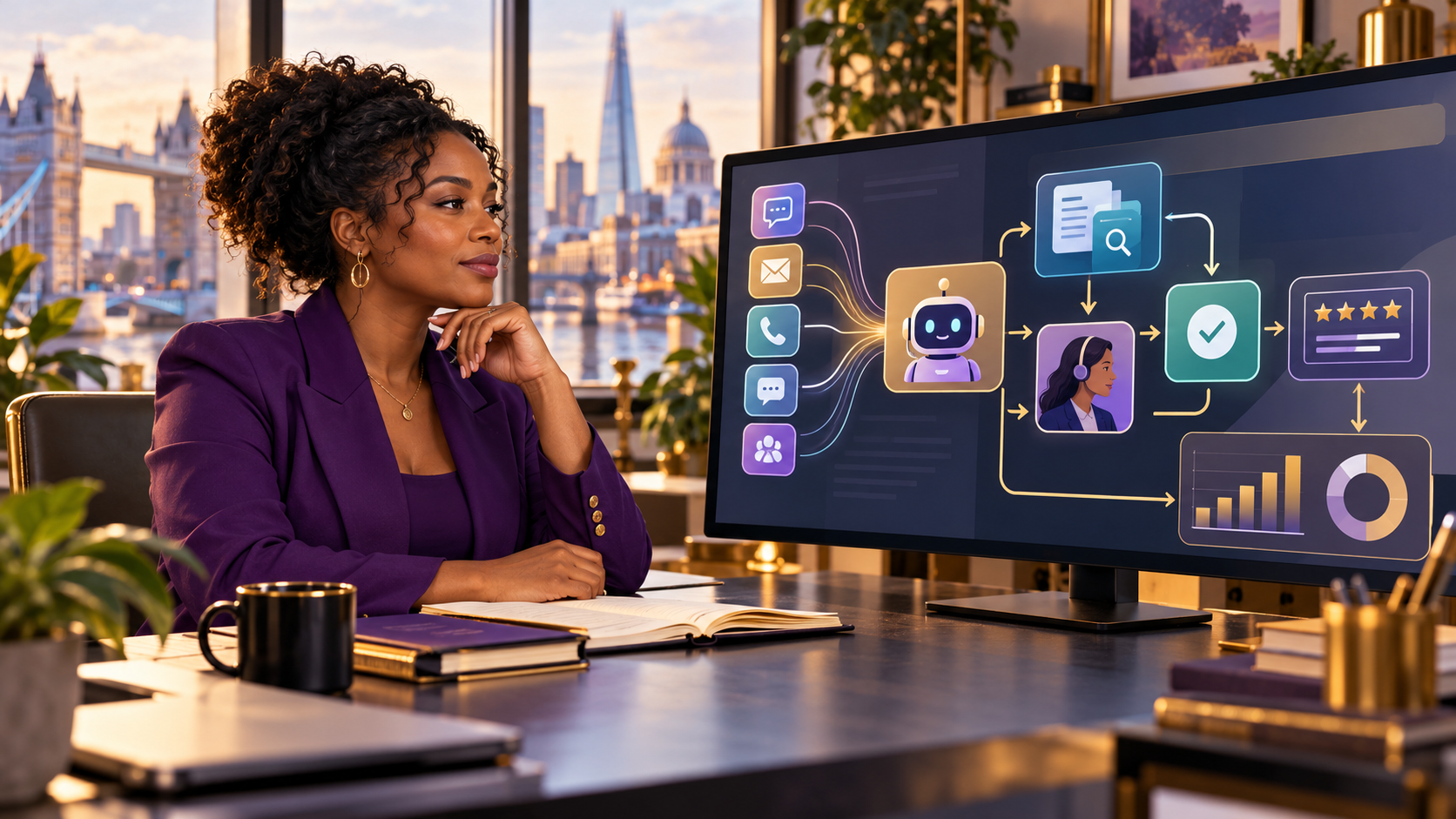
An AI meeting assistant can produce a transcript and summary in minutes. That does not mean it has removed the meeting’s administrative work. Someone still has to decide whether the meeting should be recorded, tell participants what will happen, correct the record, confirm the actions, control access and eventually delete the material.
The buying mistake is to compare a subscription price with the cost of manual notes. The better comparison is one complete workflow: from the first invitation to the last deleted copy.
The practical test: buy only if the tool reduces the cost of creating an accurate, usable and appropriately retained record—not merely the time taken to generate a transcript.
Start with the job, not the feature list
“Take meeting notes” is too vague to evaluate. A customer interview, disciplinary discussion, sales call and weekly project check-in do not carry the same consequences. Define the job for one meeting type before you compare products.
- Input: live audio, uploaded recording, calendar event or video-conference feed.
- Required output: transcript, decision log, tasks, customer-record update or searchable archive.
- Acceptable delay: immediate, same day or after human approval.
- Failure cost: an awkward typo, a missed action, a false commitment or an inappropriate disclosure.
- Retention need: no recording, short-lived working copy or a justified business record.
A tool that suits low-risk internal check-ins may be unsuitable for meetings containing health information, employment issues, legal advice, confidential product plans or payment details. “It integrates with our calendar” is not a risk assessment.
Map the complete record-to-delete workflow
| Stage | Question to answer | Hidden work |
|---|---|---|
| Invite | Which meetings may use the assistant? | Rules, exceptions and participant notice |
| Capture | Is audio needed, or would notes be enough? | Consent or other lawful-basis analysis; non-participant data |
| Process | Where are audio and transcripts handled? | Supplier review, access control, transfers and security |
| Review | Who checks names, numbers, decisions and tone? | Human time, escalation and correction |
| Act | What can be sent automatically? | Approval gates and ownership of tasks |
| Retain | Which record is authoritative? | Version control, search and access requests |
| Delete | What is removed, when and from where? | Recordings, transcripts, exports, backups and integrations |
The UK Information Commissioner’s Office (ICO) says AI processing of personal data must be considered through principles including lawfulness, fairness and transparency, purpose limitation, data minimisation, accuracy, storage limitation, security and accountability. Its worker-monitoring guidance also treats audio recording as particularly intrusive and stresses justification, transparency and data-protection impact assessment where appropriate. These are context-dependent obligations, not a universal instruction to obtain consent for every meeting.
Calculate total operating cost, not just licence cost
Use a monthly model that includes:
- subscription, usage and storage charges;
- setup, policy-writing, training and integration time;
- review and correction time for every meeting class;
- exception handling when the assistant joins the wrong call or misstates a decision;
- security, privacy and supplier-management work;
- export, migration and deletion work if you leave.
Illustrative calculation—not a measured customer result: suppose a team holds 12 eligible meetings each week. Manual follow-up takes 18 minutes per meeting: 216 minutes. With an assistant, review takes six minutes per meeting, exceptions take 40 minutes a week and administration takes 25 minutes: 137 minutes. The apparent saving is 79 minutes a week. At an illustrative loaded labour cost of £35 an hour, that is roughly £46 a week before the subscription, setup cost and risk controls.
If review rises to 15 minutes per meeting, the workflow takes 245 minutes before setup or subscription costs. The tool is then slower than the manual baseline. The break-even variable is often review effort, not transcription speed.
Treat accuracy as a workflow property
A polished summary can still be wrong about who agreed to what, confuse similar names, omit a condition or turn a tentative idea into a firm decision. Accents, overlapping speech, weak microphones, specialist terminology and code-switching can change performance.
Do not ask only for a vendor’s headline accuracy number. Test your own meeting conditions and score the outputs that matter:
- names, dates, amounts and product terms;
- decisions versus proposals;
- action owner, deadline and dependency;
- important dissent, uncertainty and caveats;
- content that should not appear in the final record.
NIST’s voluntary Generative AI Profile is designed to help organisations incorporate trustworthiness into the design, use and evaluation of generative-AI systems. For a buyer, the useful translation is simple: define human oversight, evaluation and incident handling before relying on generated summaries.
Inspect the supplier’s data path
Draw the path: microphone → meeting platform → assistant → model provider → storage → integrations → export. Ask which party acts as processor or controller for each use, whether data trains models, where it is stored, who can access it, how sub-processors change and how deletion is verified.
The National Cyber Security Centre’s cloud-security principles apply to Software-as-a-Service as well as cloud platforms. They recommend analysing the service and provider, the evidence behind security claims, protection in transit, asset protection, resilience and secure erasure. A badge or broad “enterprise-grade” statement is not the same as evidence relevant to your configuration.
Decide what must never be automatic
A meeting assistant may draft actions. It should not silently create binding customer commitments, performance records, legal conclusions or sensitive CRM notes. Use approval gates proportionate to consequence.
| Output | Sensible default |
|---|---|
| Private working summary | Draft, visible to meeting owner |
| Internal action list | Human confirms owner and deadline |
| Customer email | Human edits and sends |
| CRM update | Human approval for commitments and sensitive notes |
| Employment or legal record | Use a dedicated, approved process; do not rely on an unreviewed AI summary |
Run a two-week evidence pilot
- Choose one low-risk meeting class and exclude sensitive exceptions.
- Record the manual baseline: note-taking time, follow-up time, missed actions and corrections.
- Tell participants clearly what the tool does and where they can find relevant privacy information.
- Measure review minutes, material errors, actions accepted without change and actions corrected.
- Test access removal, export and deletion—not just transcription.
- Calculate net time and cost after every oversight task.
- Keep, narrow or reject the tool based on evidence from that workflow.
Who this purchase suits—and who should wait
An AI meeting assistant may suit teams with frequent, repeatable, lower-risk meetings; clear owners; strong review discipline; and a real need for searchable actions. It may be a poor choice where meetings are rare, review takes as long as manual notes, participants cannot be informed appropriately, sensitive conversations dominate, or the buyer cannot explain the supplier’s data path.
Doing nothing is a valid alternative. So is using the recording or captions already included in an existing platform, rotating a human note-taker, or replacing some meetings with a written update. The cheapest tool is not cheaper if it creates another archive nobody governs.
Apply an exit test before committing
Before signing an annual contract, confirm that you can export useful records, remove integrations, revoke access, preserve only justified business records and verify deletion. MaryChuks has a separate guide to the AI software exit test.
Commercial discovery, with limits
MOC Marketplace is part of the MaryChuks.com business ecosystem. Its general marketplace gateway may help readers explore digital-business and software opportunities, but the live catalogue display is not independent proof of a product’s operations, revenue, billing or suitability. No specific meeting-assistant listing has been verified for this guide.
Explore MOC Marketplace’s general discovery page only if you want to compare available opportunities for yourself; this is not a direct product recommendation or assurance of purchase, performance or returns.
Sources and further reading
- ICO: Guidance on AI and data protection
- ICO: Specific considerations for monitoring workers
- NCSC: The cloud security principles
- NIST: Generative AI Profile
- GOV.UK: Monitoring staff at work
Discover more from Marychuks.com AI, Psychology, Business & CreativeVerse
Subscribe to get the latest posts sent to your email.