A second-hand phone can switch on, take photographs and still be a bad purchase. If it remains tied to the previous owner’s account, is reported lost, or cannot be activated on your network, the hardware in your hand may never become a phone you can safely use.
The safest question is not simply “Does it work?” It is “Can ownership and control be transferred to me, here and now?” That changes the buying process from a quick cosmetic inspection into a short, evidence-based handover.
Transferability is the real product
A used phone has at least four layers of value: the physical device, the operating system, access to a mobile network and the right to control the device. A bright screen proves only part of the first layer.
Account locks are designed to make stolen devices less useful. That protection is good for owners, but it means a legitimate seller must complete the correct removal process before a buyer pays. A factory reset is not a substitute for proof that the seller has removed their control.
Keep the phone signed in until the handover
Ask the seller not to wipe the phone before you meet. You need to see them unlock it, open the device information screen and demonstrate that the details match the phone being sold. A phone that arrives already erased may look reassuring, yet it gives you less evidence about its cameras, battery, connectivity and account status.
The seller should remove their account only after you have inspected the phone. They should then erase it in front of you, using their own password or passcode when the system requests it. Never ask for their password, and never accept a promise that they will “unlock it later”.
For an iPhone, remove Activation Lock properly
Apple’s official handover guidance says that erasing an iPhone or iPad turns off Find My and Activation Lock. The seller should sign out or follow Apple’s supported erase process while they still have access to their Apple Account. After the erase, begin setup yourself and confirm that the phone does not ask for the previous owner’s account.
If the setup screen requests somebody else’s Apple Account, stop. The seller must remove the lock through Apple’s legitimate process. Do not pay for an unofficial “bypass” service: a bypass claim is not evidence of ownership and may leave you with an insecure or unusable device.
For Android, remove the Google Account before reset
Android’s device protection can require the former screen lock or a Google Account previously synced to the phone after a reset. Google’s official guidance explains that removing the Google Account from the device turns off this protection.
The menus vary by manufacturer, but the principle is consistent: the seller unlocks the phone, removes their Google Account and any manufacturer account, then resets the device from Settings. You should proceed through enough of the setup process to confirm that you can reach your own account sign-in without being challenged for the seller’s credentials.
Match the device identifiers
Open the phone’s device-information screen and record the model, storage capacity, serial number and IMEI. A dual-SIM phone may display two IMEIs. Compare those details with the SIM tray or casing where printed, the original box and any purchase receipt the seller provides.
A mismatch is not automatically proof of wrongdoing—a replaced box or repaired part may have an innocent explanation—but it needs a clear, documented answer. Do not post a full IMEI or serial number publicly. Keep it only in your private transaction record and use it with the mobile operator or an official checking service.
Check lost, stolen and network status
Where your country or mobile operator provides an official device-status service, check the IMEI before paying. Google notes in its lost-device guidance that a mobile provider can use an IMEI to disable a device. That is why a phone may appear functional on Wi-Fi yet fail on a mobile network after it has been reported.
Prefer the seller’s carrier, your intended carrier or a recognised national register over an unknown “free IMEI checker”. A clean result is useful evidence, not a guarantee: reporting and finance records may update later, and databases differ between countries.
Test the hardware after checking ownership
Once the account status looks sound, test the parts that determine everyday value. Bring a compatible SIM or eSIM plan where practical, a charging cable and headphones or an adapter if the model supports them.
- Make a call and test mobile data, Wi-Fi and Bluetooth.
- Record a short video with every camera; listen for microphone and speaker faults.
- Drag an icon across the whole screen to reveal dead touch areas.
- Check charging, physical buttons, vibration and biometric unlock.
- Inspect the frame, camera glass, charging port and screen for damage or poor repairs.
- Review battery health or battery diagnostics where the operating system exposes them.
Do not let a recently installed screen protector hide scratches, touch faults or display discolouration. Test at low and high brightness, and inspect a plain white or grey screen.
Ask about finance, repairs and ownership
A technically clean phone can still carry contractual risk. Ask whether it was bought outright, financed or supplied as part of a mobile plan. Request the original receipt when available, but remember that a box and receipt can be transferred separately from a device.
Ask directly about screen, battery, camera or logic-board repairs. Independent repair is not necessarily a reason to reject a phone; undisclosed repair is a reason to slow down. Parts warnings, lost water resistance and uncertain battery quality affect the price you should be willing to pay.
There is no single instant database that resolves every finance, ownership and repair question worldwide. Your protection comes from combining checks and recording what the seller represents as true.
Use a written handover record
For an in-person purchase, create a simple receipt that records the date, price, model, storage, colour, device identifier, seller and buyer contact details, and payment method. Add a statement that the seller owns the phone, has the right to sell it and has disclosed any known loss report, finance obligation or major repair.
On a marketplace, keep messages and payment inside the platform when buyer protection applies. Be cautious if an unknown seller insists on cryptocurrency, a bank transfer, gift cards or cash without a receipt. Payment protection cannot make a locked phone transferable, but it can preserve a route to dispute a misrepresented sale.
A safe in-person handover sequence
- Meet in a safe, well-lit place with reliable Wi-Fi or mobile coverage.
- Watch the seller unlock the powered-on phone.
- Verify the model, capacity, serial number and IMEI in Settings.
- Run the appropriate carrier or official lost-and-stolen check.
- Test connectivity, cameras, audio, screen, charging and controls.
- Watch the seller remove their Apple, Google and manufacturer accounts, then erase the device.
- Start setup yourself with your SIM or Wi-Fi and confirm that no previous-owner credentials are requested.
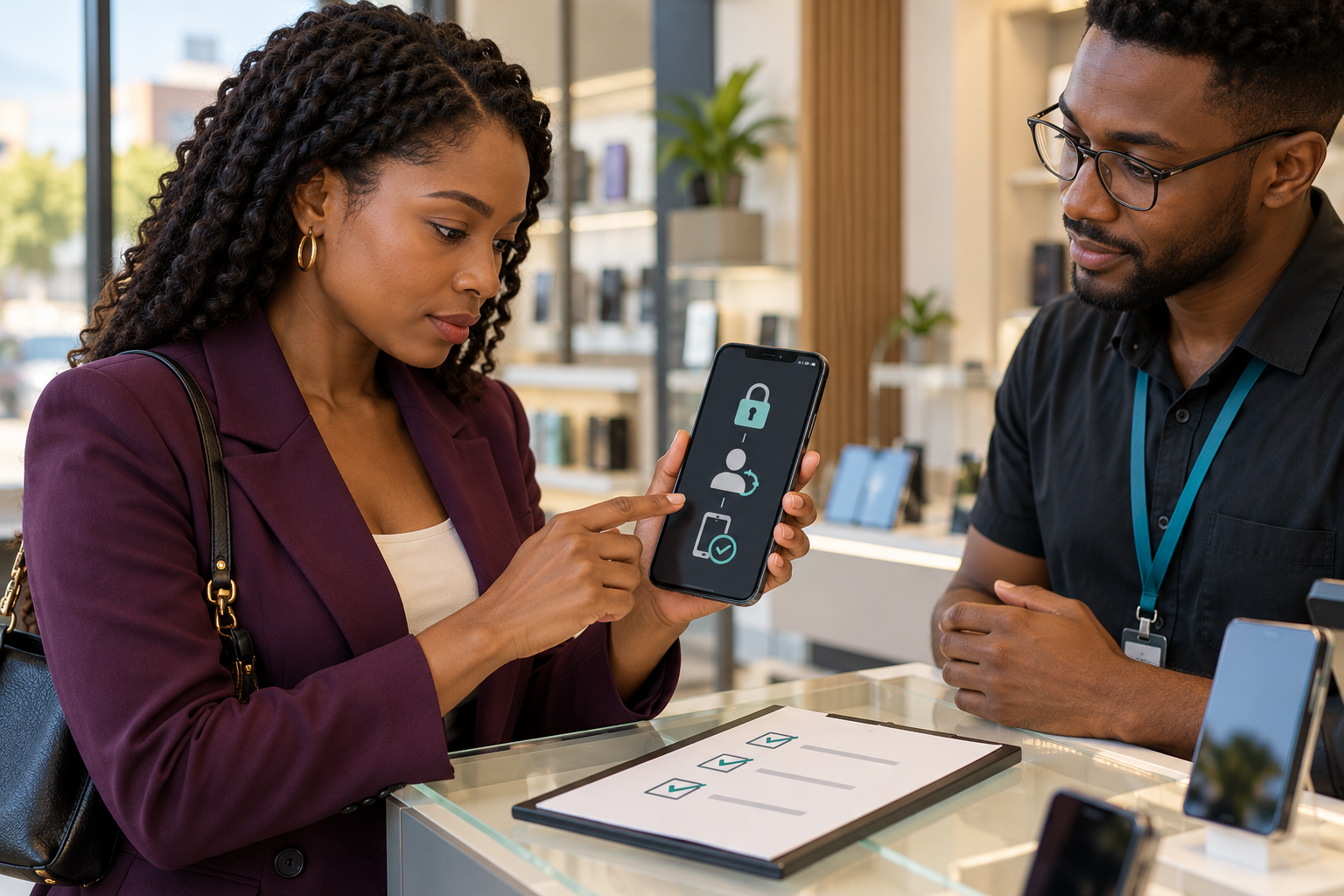
- Complete the written receipt and payment only after the phone activates normally.
If the seller needs the phone for two-factor authentication or data transfer, arrange a later meeting. That inconvenience is safer than paying first and hoping the account removal happens afterwards.
Red flags that should end the purchase
- The seller cannot unlock the phone or open its information screen.
- They say a friend, relative or remote technician will remove the account later.
- The IMEI in Settings does not match the device or documentation and there is no credible explanation.
- They refuse a network-status check, activation test or written receipt.
- The price is implausibly low and the seller creates urgency.
- They advertise an Activation Lock or Factory Reset Protection “bypass”.
Walking away is not an accusation; it is risk control. A legitimate seller who has forgotten a password may need time to recover their account. They can finish that process before offering the phone again.
The five-minute rule that saves the purchase
A phone is not transferred when it changes hands. It is transferred when the former owner’s control is gone, the device identifiers make sense, the network status is acceptable and the new owner can activate it normally.
Build those checks into the transaction before money moves. The extra few minutes protect more than the purchase price: they reduce the risk of buying somebody else’s data problem, debt problem or stolen property problem.
Discover more from Marychuks.com AI, Psychology, Business & CreativeVerse
Subscribe to get the latest posts sent to your email.