Slug: qr-code-destination-safety-check
Tags: Security, cybersecurity, Online Safety, Consumer Trust
Meta description: A QR code conceals its destination until you scan it. Use this practical safety check for payments, parking, emails, logins and public-space codes.
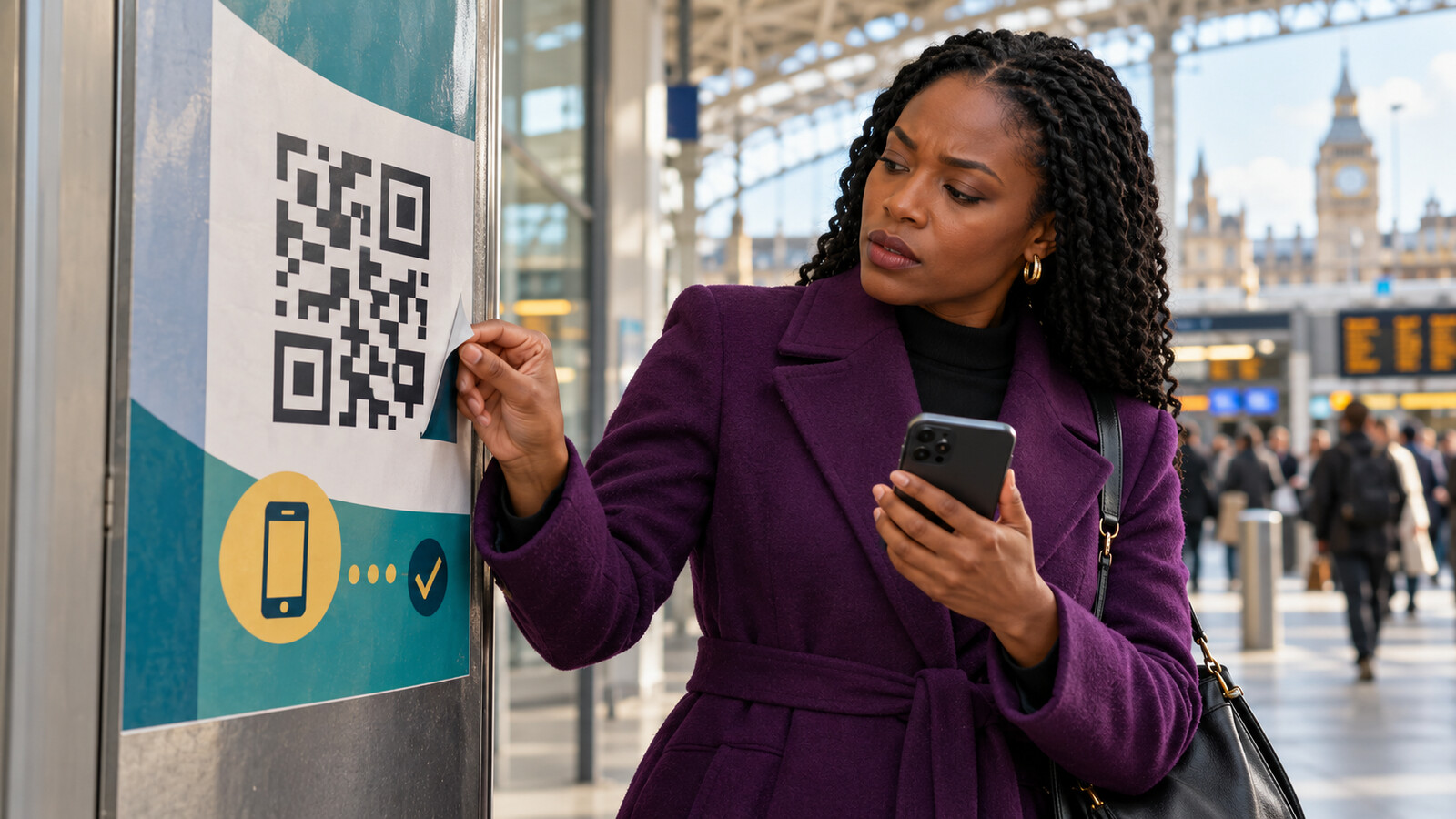
Image disclosure: The featured image is an original AI-generated conceptual illustration about QR-code safety. It is not documentary evidence and does not depict a specific scam, company or victim.
A QR code feels like a doorway with no handle: point your camera, tap once and arrive. That speed is the appeal. It is also the weakness. Unlike a printed web address, the destination is hidden inside a pattern that most people cannot read before scanning.
Criminals can exploit that gap by placing a fraudulent code over a genuine one, inserting a code into a phishing email or using it to begin a longer deception. The first page may imitate a parking service, bank, delivery company, workplace login or government department. The next step may ask for a card number, password, verification code or app installation.
This does not mean every QR code is dangerous. The UK National Cyber Security Centre says the codes used in pubs and restaurants are probably safe, while codes in open spaces such as stations and car parks can carry more risk. Its assessment is refreshingly proportionate: context matters more than panic.
The code is not the decision
Scanning a QR code usually reveals information or opens a destination. Harm generally comes from what happens next: visiting a misleading site, installing software, entering credentials, authorising a payment, linking a device or continuing a social-engineering conversation.
The NCSC’s QR-code risk guidance explains why criminals use codes in phishing emails. A code disguises the underlying link, some email-security tools may not inspect an image, and the recipient may scan it with a personal phone outside an employer’s protections.
That means a safe routine must interrupt the journey before trust transfers from the physical notice or message to the website it opens.
1. Ask why a QR code is needed here
Start with the setting. A code printed inside a restaurant menu that opens that restaurant’s ordering page has a plausible purpose. A code pasted onto a parking meter may also be plausible—but public equipment can be altered. A surprise code in an email demanding that you “verify now” deserves much more caution.
- Was I expecting this code?
- Does the requested action make sense for the place or organisation?
- Is there a safer official route, such as a known app or manually typed website?
- Is the message creating urgency, fear, curiosity or a threat of loss?
The NCSC’s phishing guidance identifies authority, urgency, emotion, scarcity and current events as common pressure techniques. A code does not neutralise those signals; it merely changes the shape of the link.
2. Inspect the physical surface
On signs, terminals, meters and posters, look at the code before scanning. Is it a sticker placed over another sticker? Do the edges lift? Does the colour, print quality or branding differ from the surrounding notice? Are several machines displaying inconsistent codes?
A neat sticker is not proof of legitimacy, and a worn code is not proof of fraud. Physical inspection is one signal. Combine it with the organisation’s published payment method. In September 2025, Hartlepool Borough Council warned about fraudulent QR codes on parking machines that led to imitation payment sites. The local service stated that QR codes on its machines were fake.
When money is involved, open the official parking, transport or venue app yourself, or type the provider’s known address. A minute of verification is cheaper than handing card details to a convincing copy.
3. Preview the destination before opening it
Use the QR reader built into your phone’s camera, which the NCSC recommends instead of downloading an unfamiliar scanning app. Modern phones commonly show a preview or notification containing the destination. Do not tap automatically.
Read the domain—the core website name—not merely the words before or after it. Criminal sites can use misspellings, extra words, misleading subdomains or characters that resemble genuine letters. A padlock or https means the connection is encrypted; it does not prove the organisation behind the site is honest.
Shortened links reduce visibility. If the destination is unclear and the action matters, stop. Search for the organisation independently or use its official app. Do not rely on a search advert without checking the domain; sponsored placement is not identity verification.
4. Treat login codes as account keys
Some QR codes are designed to link another device to an account. That can be convenient when signing into a television, messaging service or desktop browser. It can also be dangerous if another person persuades you to scan a code that adds their device to your account.
In March 2026, the NCSC warned that attackers may use malicious links or QR codes to target messaging accounts. Its current messaging-app guidance advises people not to scan unexpected codes, to enable two-step verification or passkeys where available, and to review linked devices regularly.
Before approving a device-linking screen, read the confirmation message fully. Which account is being linked? What device will gain access? Did you begin this process yourself on a device physically in front of you? If the request arrived through a message, phone call or support chat, cancel and use the service’s official settings instead.
5. Never let familiarity replace verification
Logos, colours and official language can be copied. A letter may appear governmental; an email may display a familiar sender name. Verification means comparing the communication with information obtained independently.
HM Revenue & Customs does use QR codes, but it explains their limits. HMRC’s published phishing examples state that codes in its letters usually lead to GOV.UK guidance and will not take recipients to a page that asks for personal information. HMRC also lists genuine uses so people can check unexpected correspondence.
Apply the same pattern elsewhere: find the organisation’s official contact details from its own website, card, statement or app—not from the suspicious message. Ask whether the request and code are genuine. A real organisation will survive independent verification.
6. Use a higher threshold for payment or identity
Pause whenever a scanned destination asks for:
- a password, passcode or verification number;
- bank, card or cryptocurrency details;
- a photograph of an identity document;
- permission to install an app or configuration profile;
- remote access to your phone or computer;
- approval of a new linked device.
The request may be legitimate, but the cost of an error is high. Leave the scanned page and restart through the provider’s official app or a bookmarked address. If somebody calls after you scan and claims to be the bank, end the call. The NCSC notes that QR-enabled fraud can include a follow-up social-engineering stage, not just a fake webpage.
7. Know what to do after a mistake
Scanning alone does not automatically mean your accounts are compromised. Respond according to what happened next.
- You opened the page but entered nothing: close it. Do not download files or accept prompts. Keep your device and browser updated.
- You entered a password: go to the genuine service directly, change the password, sign out other sessions, review recovery details and enable stronger authentication.
- You supplied card or bank information: contact the financial provider immediately using the number on your card, statement or official app.
- You approved a linked device: remove unknown devices and review recent account activity.
- You installed software: disconnect if necessary, follow official device-security guidance and seek technical support.
Report the source as well as protecting yourself. The NCSC phishing hub routes users to reporting options for suspicious emails, texts, websites and adverts. If money has been lost, report the fraud through the current UK reporting service and contact the payment provider quickly. Preserve screenshots, the code’s location, transaction details and correspondence.
A five-second destination check
Before tapping the preview, say:
- Expected? I understand why this code is here.
- Untampered? The physical code does not appear pasted over another.
- Correct domain? The destination matches the organisation I intend to reach.
- Proportionate request? The site is not asking for more information or authority than the task needs.
- Independent route? For payment, login or identity, I can use the official app or type the address myself.
Convenience should not remove the pause
QR codes are not inherently suspicious. They are a compact way to carry information, and most everyday uses are uneventful. The security problem is not the pattern itself; it is the ease with which a hidden destination can inherit trust from the sign, email or person presenting it.
Keep the convenience. Add one pause. Inspect the context, preview the destination and switch to an independent official route whenever the next step involves money, identity or account access. A scan can be instant without your decision being automatic.
Discover more from Marychuks.com AI, Psychology, Business & CreativeVerse
Subscribe to get the latest posts sent to your email.